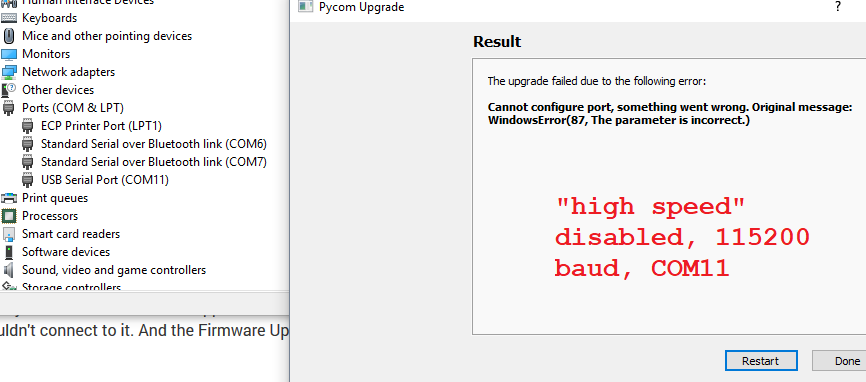
@xykon Thank you so much for the help; I believe you've rightly pointed out my error was assuming the board firmware was installed correctly and only the device firmware was the problem.
Hopefully this can be useful to others: what I seem to have missed is the distinction between the Bootloader mode and the Application mode. Once I got my successful command line result from "dfu-util-static.exe", I didn't think the text from an immediately proceeding sentence beginning with "If, by mistake, the" would apply to me, so I likely skimmed over the crucial sentence: "If, by mistake, the libusbk driver was installed while the USB ID is the Application mode (0xF013 for Pytrack or 0xF012 for Pysense), then the Serial USB (CDC) driver has to be installed for application mode. This will allow Windows to allocate a COM port, which is required for REPL console."
I recommend that the help page 4.2.1 (https://docs.pycom.io/chapter/pytrackpysense/installation/firmware.html) be rewritten to emphasize this point or at least put in a "Double-check Serial USB (CDC) driver is installed in Application mode" header right before the key sentence I missed.
An additional element of confusion on that page is its direction regarding solely the "Pytrack/Pysense" boards, but it serves to document the steps for Expansion Board 3.0 firmware setup as well.
Thanks again!